OS
I use macOS for both work and private use.
The device provided for work has been a Mac, so I have decided to use it in my private life as well.
However, I would like to try Omarchy and plan to purchase a compatible device in the near future.
Launcher
I use Raycast.
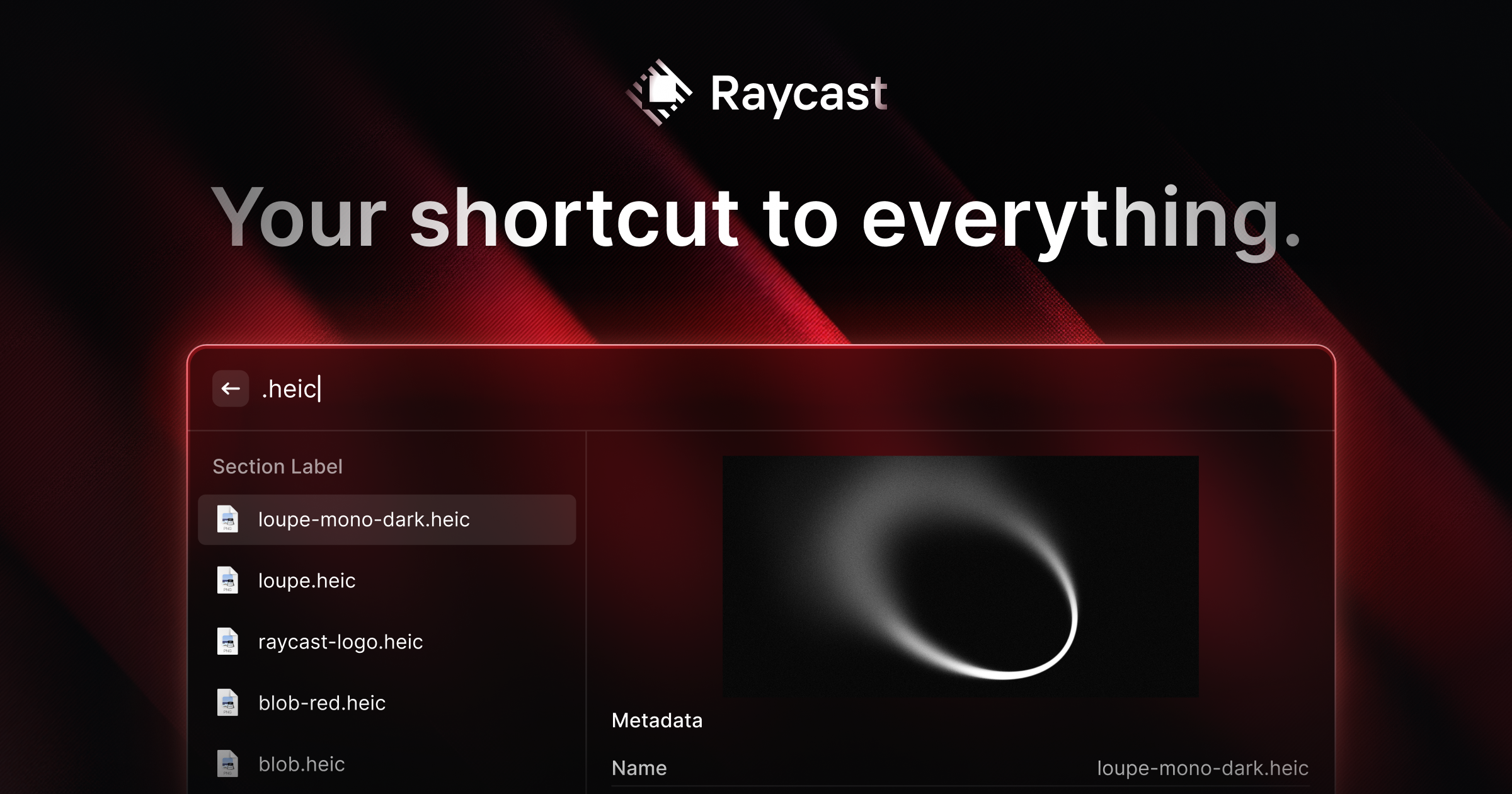
In addition to clipboard history management and snippet management, Raycast Note is very useful. It is useful for quick note-taking.
I can also import my settings
, so I can apply them to my new Mac immediately.
However, since I do not subscribe to the Pro plan, import/export is manual.
Window Management
I use Window Manager, an extension of Raycast.
I was originally satisfied with Magnet , but found it slightly inconvenient as it requires iCloud to back up settings.
There are OSS such as AeroSpace
and Yashiki
as well, but they do not suit me because I do not want to have automatic tiling.
I also thought it would be best if I could consolidate with the tools I was already using, so I finally ended up with Raycast’s Window Manager.
Terminal Emulator
I use Ghostty.
I have liked and continued to use it since its release, partly because it is developed by Mitchell Hashimoto, one of the founders of HashiCorp.
It is fast, feature-rich, has a native feel, and is personally my current best choice.
Terminal Multiplexer
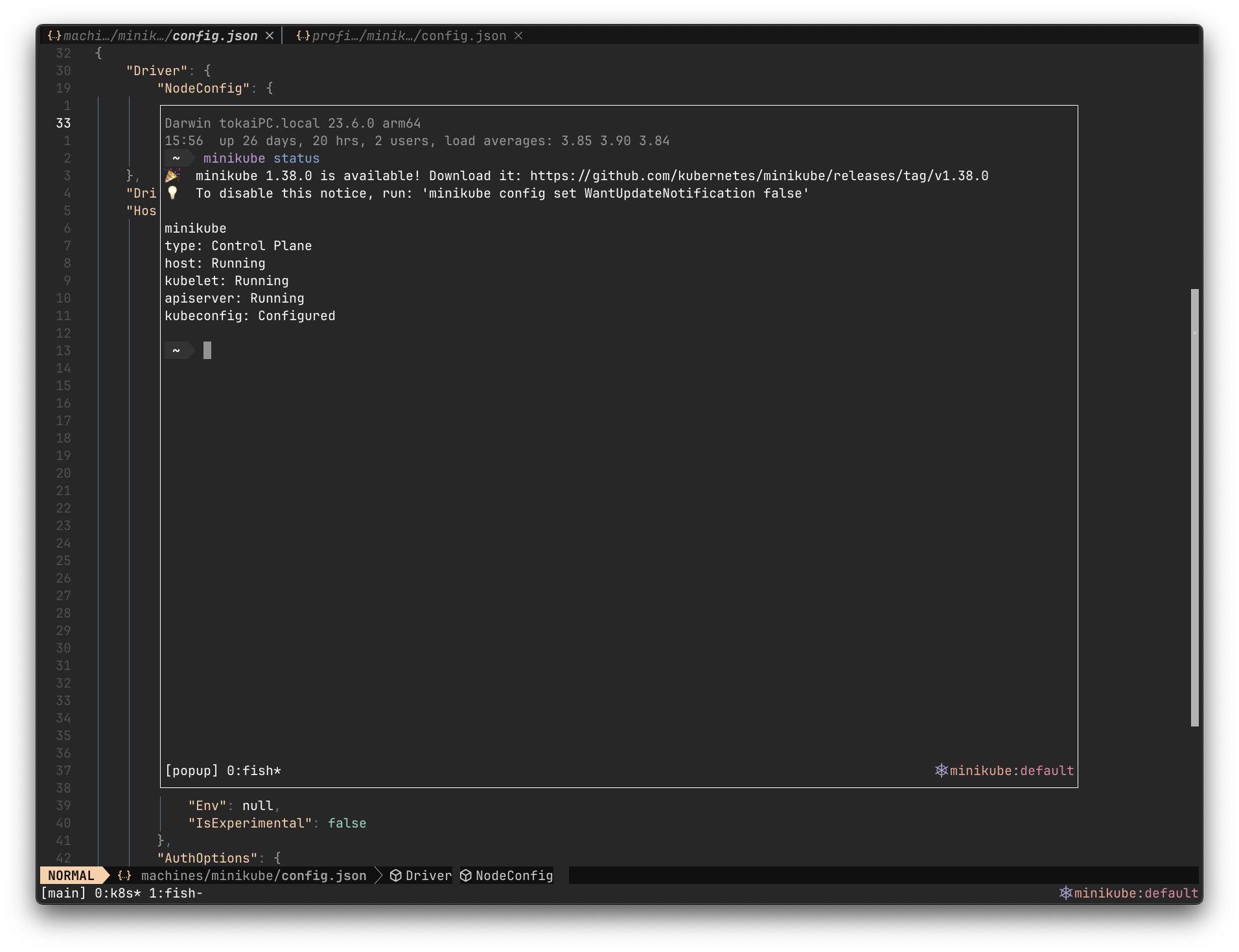
I use tmux.
I don’t have to split a pane in my development style, so as long as I can manage sessions, anything is fine.
However, there are useful plug-ins such as kube-tmux
that can display Kubernetes Context and Namespace, and popup is also useful when I want to do some work or check something, so I would never use anything other than tmux.
Shell
I use fish-shell.
Comfortable with well-defined completion, color coding, etc. For prompts, I apply bobthefish
.
For plug-ins, I like fzf.fish
.
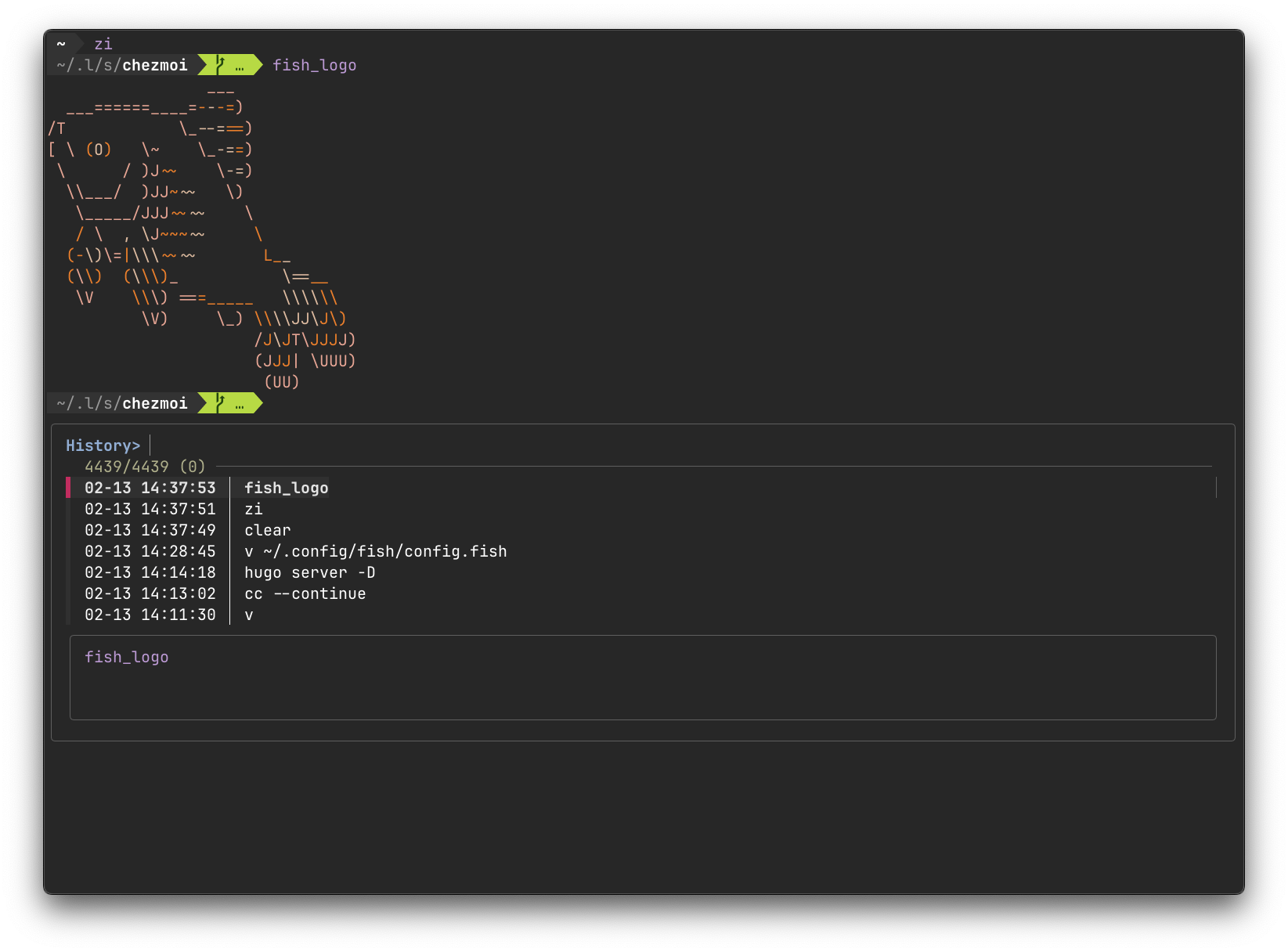
I have been using it since I was a student, so I am most familiar with it, but sometimes I feel inconvenienced by POSIX incompatibility, and I sometimes think about switching to zsh.
Editor
I use Neovim.
LazyVim
is used as the plugin manager.
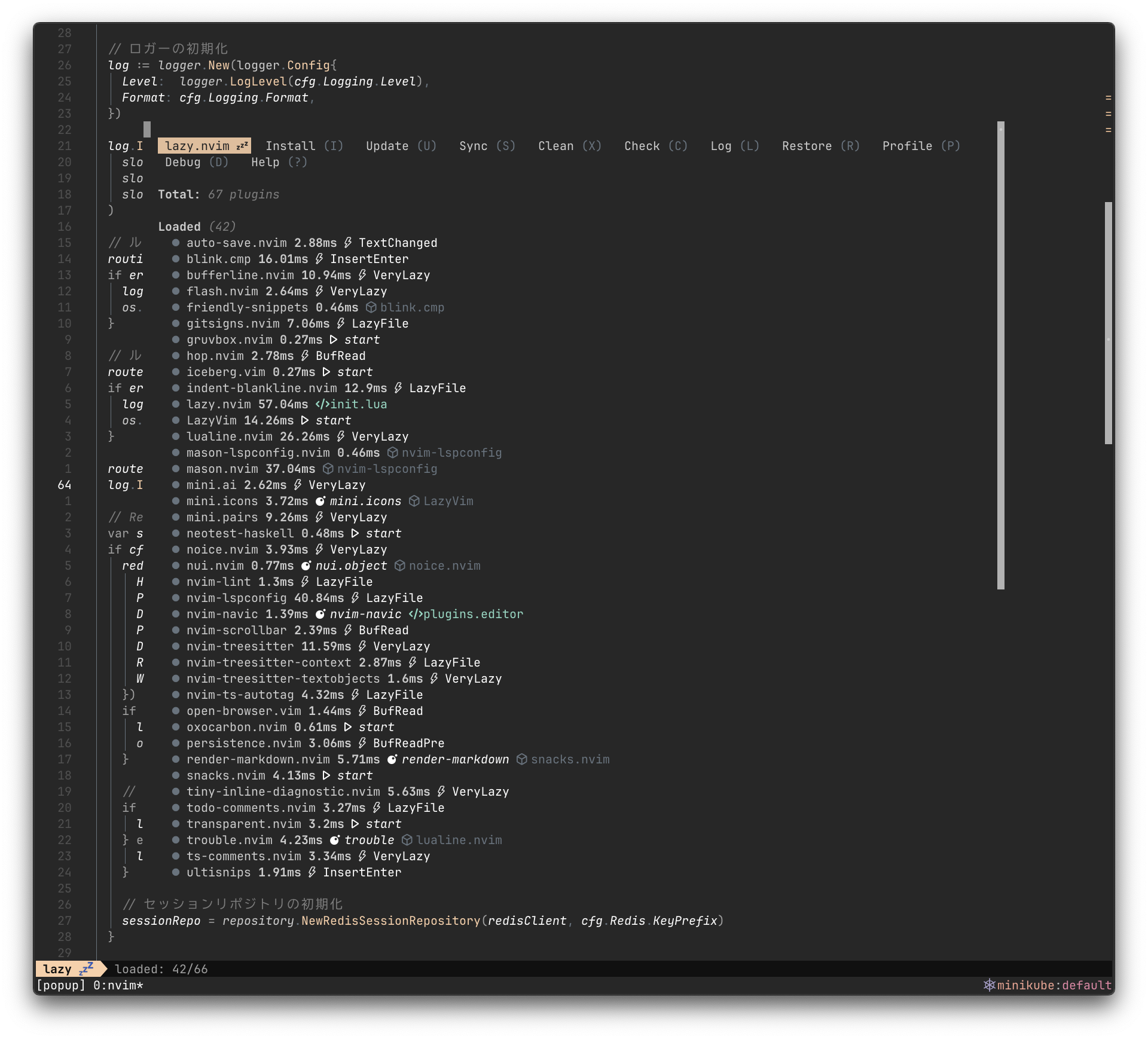
The number of plug-ins is 67, almost all of which are either plug-ins that come with Lazyvim by default or plug-ins that can be installed from Extra.
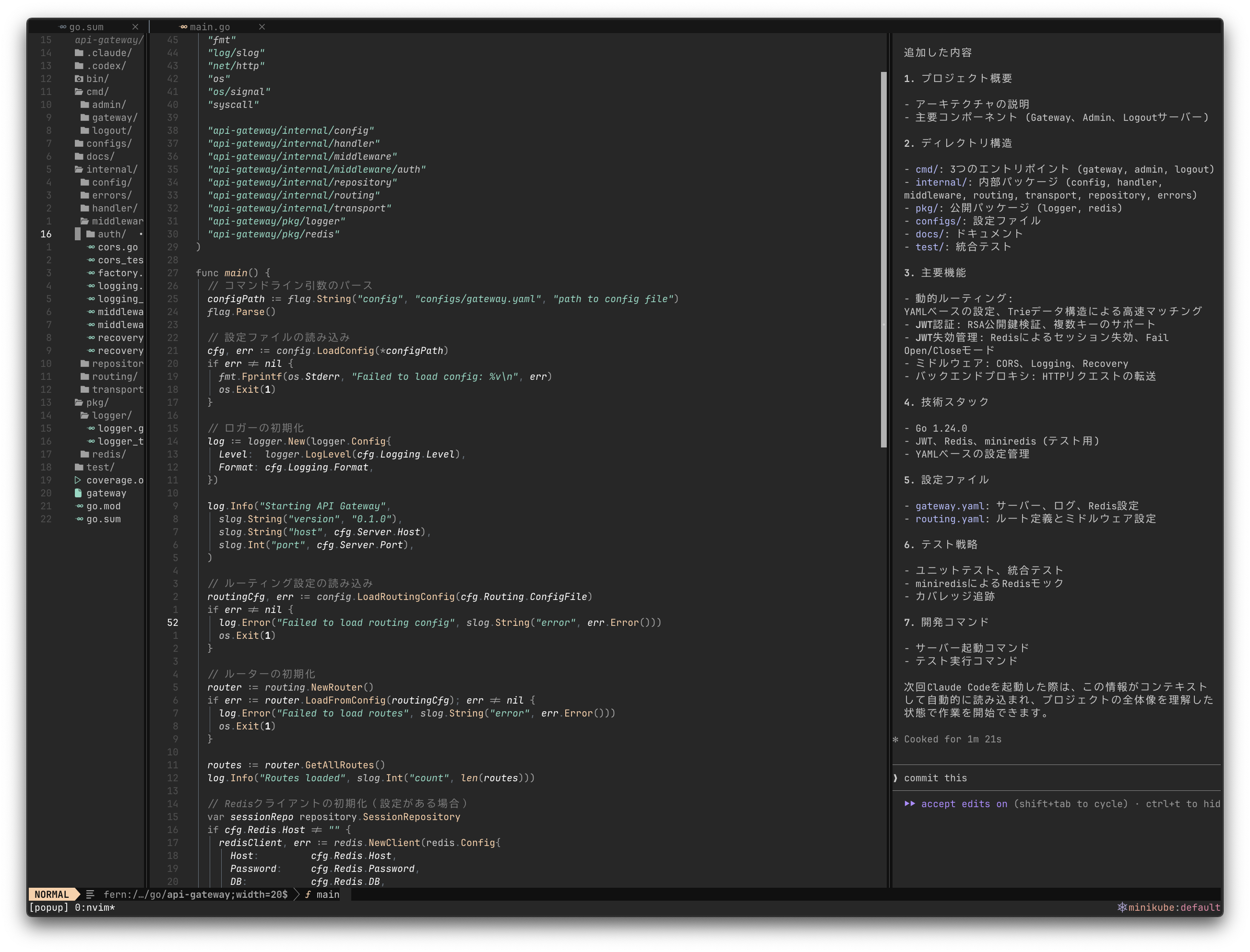
Usual usage is simple: vim-fern
opens a filer on the left side, implementation and testing of source code in the middle, and toggleterm
opens a terminal on the right side to run generated AI and other programs.
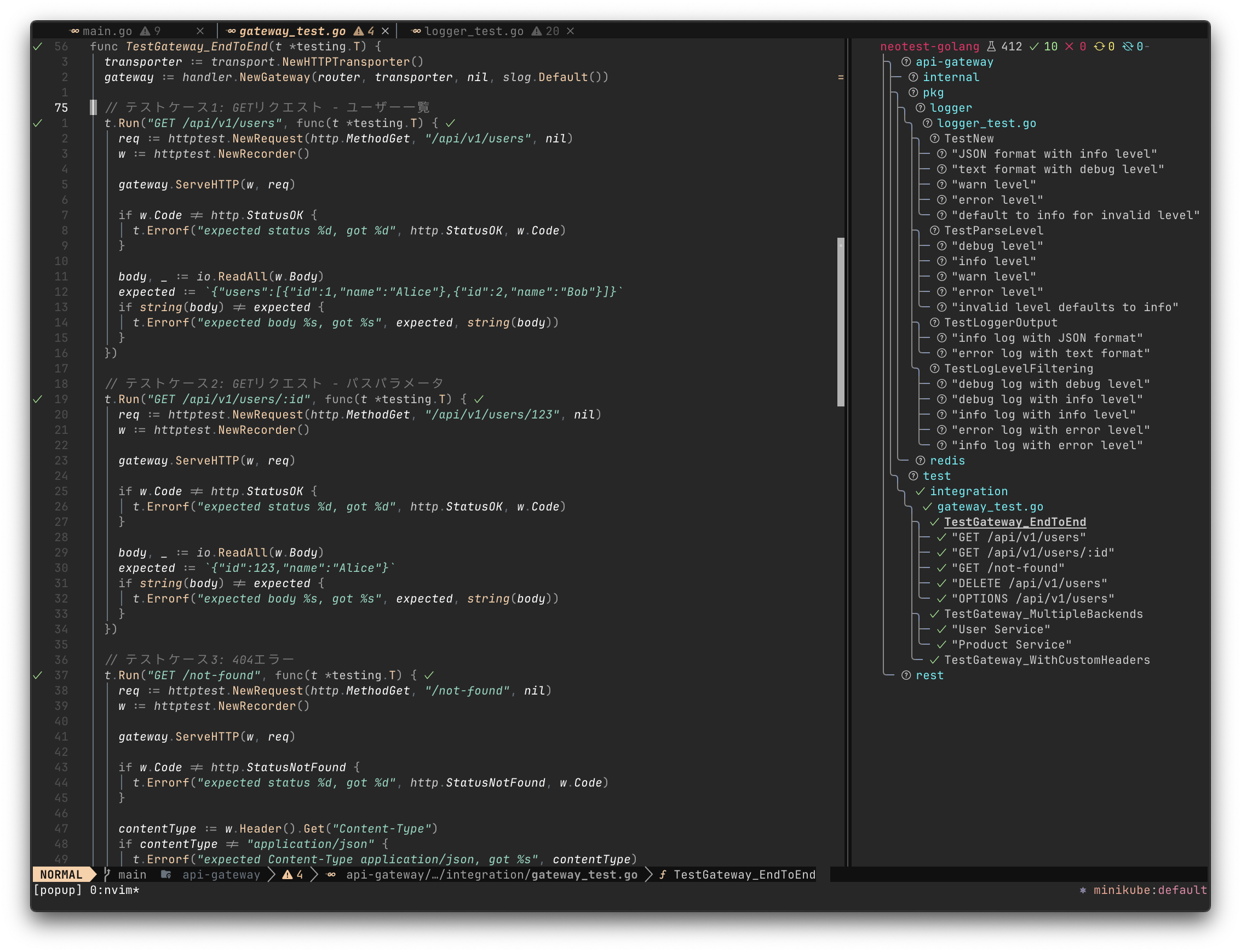
I especially like neotest , which allows me to smoothly run tests and check results directly in the editor.
AI
I usually use this area in particular.
- Claude, Claude Code
- ChatGPT, Codex CLI
- Gemini
- NotebookLM
- GitHub Copilot
- Perplexity
I use them extensively for market research, business and domain understanding, system design, source code generation and review, and other useful situations.
I mainly use Claude Code to generate source code, and I load coding conventions, achievement criteria (including test cases), and other guardrail contexts in advance, and then use PLAN to organize the implementation plan from there.
Then, once I review the implementation plan myself, and if there are no problems, I ask them to proceed.
For source code review, I often use Codex CLI at hand and GitHub Copilot to run automated reviews on GitHub.
Lately, I’ve been playing with OpenCode.

CLI Tools & Utilities
This is the area that I usually use especially.
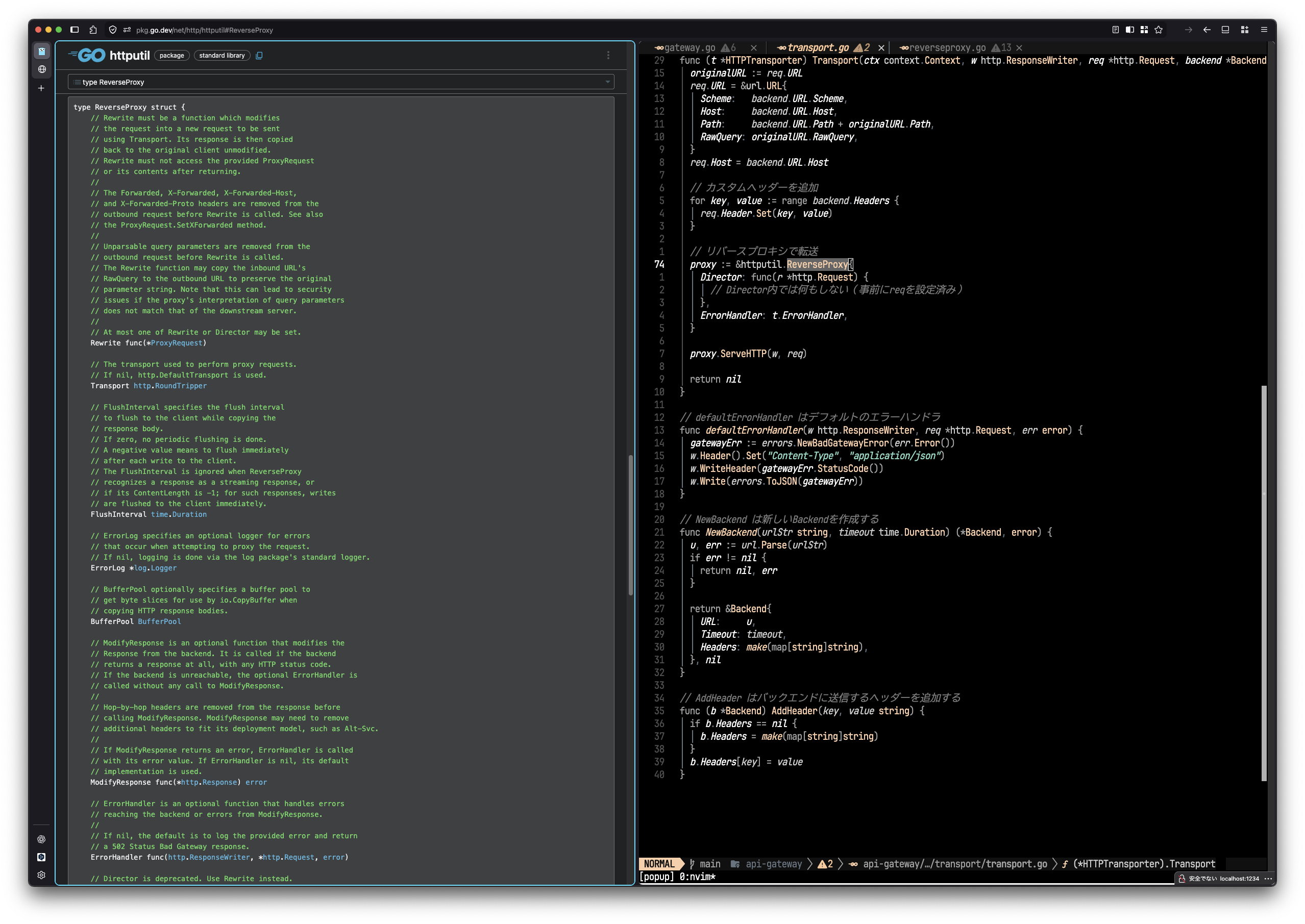
Among them, rtty
is very useful.
When sharing a browser screen with LT, etc., it is no longer necessary to switch to the terminal when you want to execute simple commands or check source code.
Container
I often work with Docker containers and use OrbStack.

Browser
I use Firefox as my browser.

When I was a new graduate, a senior colleague of mine told me that Multi-Account Containers was convenient, and I have been using it ever since.
With the release of v136.0
, vertical tabs are also available, making it even easier to use.
Also, the split view is being tested in Firefox Nightly , and I look forward to using it in the stable version in the future.
However, I occasionally have the opportunity to do development around UI/UX, and I use Google Chrome for that.
Chrome DevTools MCP
is too useful.
Other
The keyboard is a Kinesis Advantage360 Pro.

I was attracted to the look of it and wanted to use it someday. I rented it from Remote HQ
, which was introduced as a benefit for my former employer.
I’ve been using it for about 6 months now and it’s starting to feel much more comfortable in my hands.
For a mouse, I use a Logitech MX Ergo S.
I have been using it since the previous model MX ERGO MXTB1s, so it has been 6~7 years.

However, I would like to downsize it to make it easier to carry around, since I basically go to my current office.
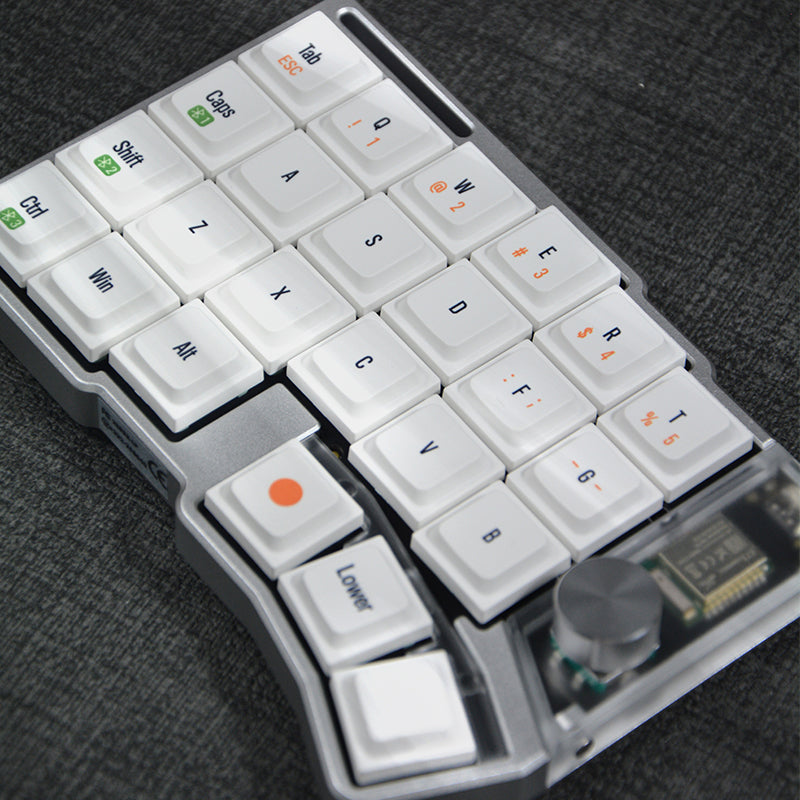
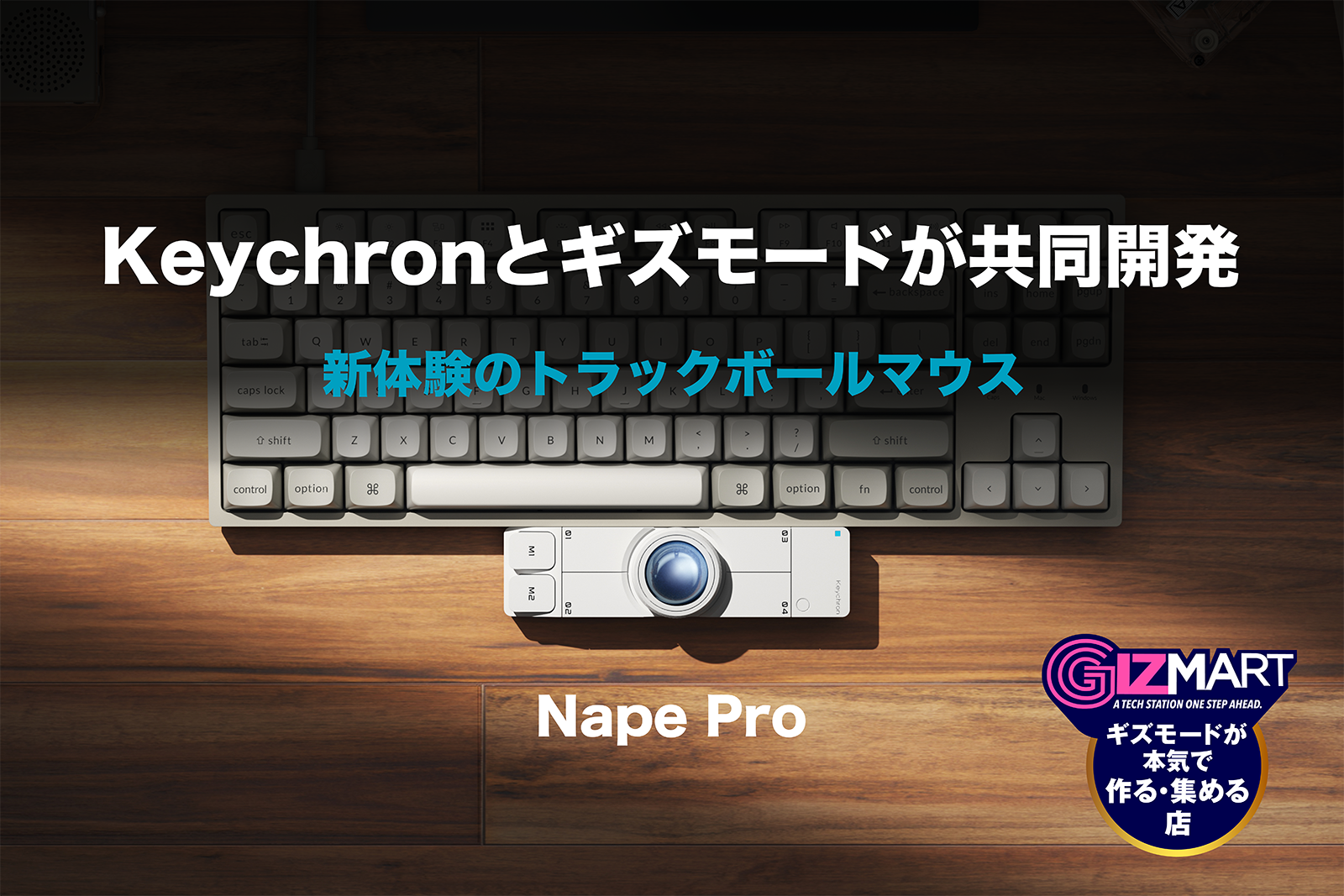
I will be receiving Cornix LP and Nape Pro soon, so I may switch if I like the way they feel.
Conclusion
Next year, we will look back again.